Why redesigns lose useful signals
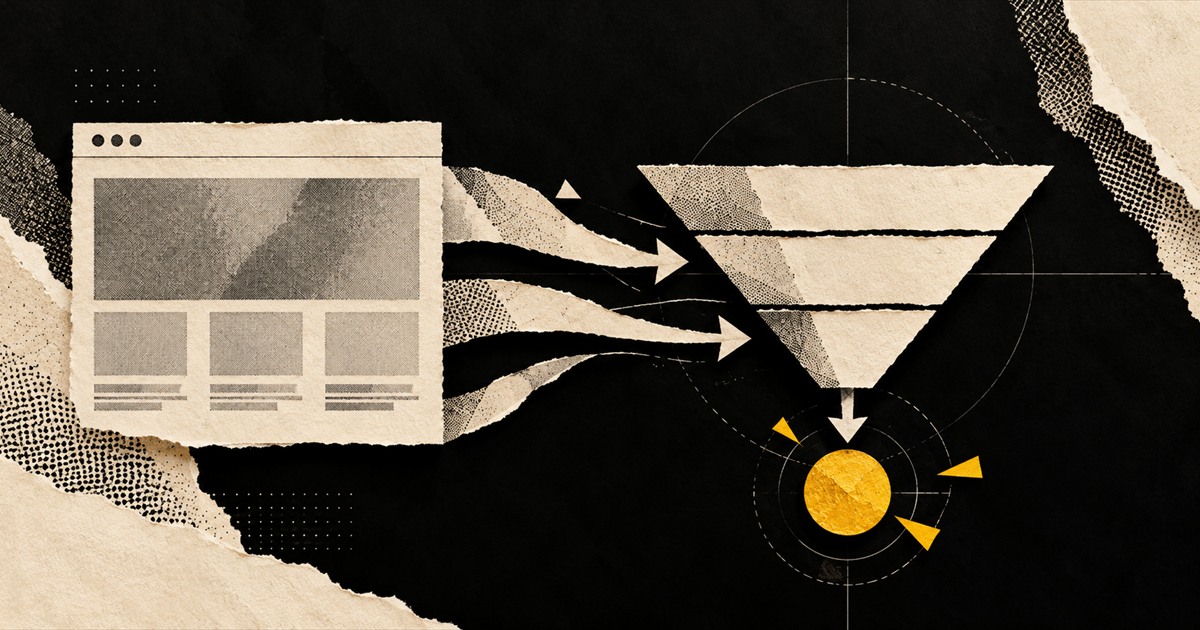
A redesign often starts as a visual project and quietly becomes a platform migration. URLs change, copy is shortened, internal links disappear and analytics events are renamed. Each isolated change may look harmless, but together they can erase years of accumulated signals.
Before design begins, export the current URL set and identify pages with organic traffic, backlinks, conversions or strategic importance. Also record forms, events, consent behaviour, structured data and integrations that the existing experience depends on.
Build a migration map, not just new screens
Decide which content will be retained, improved, consolidated or retired. When a URL moves, map it to the closest equivalent destination rather than sending every retired page to the home page. Preserve intent as well as keywords.
Review templates for headings, canonicals, metadata, hreflang where relevant, robots directives and indexable pagination. The new interface must also keep important links discoverable in rendered HTML, not only behind interactions a crawler or user may miss.
- Crawl production and staging before launch.
- Keep a documented old-to-new URL map.
- Test analytics and CRM attribution end to end.
- Monitor logs, Search Console and conversion quality after release.
Watch the launch like a controlled release
Capture baseline data for rankings, indexed pages, crawl errors, Core Web Vitals, conversion events and lead volume. Immediately after release, verify redirects, sitemaps, analytics, forms and server responses before waiting for dashboards to reveal a problem.
Some fluctuation is normal after a substantial migration, but persistent drops need diagnosis. Compare affected query and page groups, inspect crawl behaviour and check whether the new page still satisfies the intent and depth of the old one.